
CPCT Hindi Typing Test: Layout Setup and Practice Guide
A practical CPCT Hindi typing checklist: verify your opted layout, use the familiarisation mock, and practise the same input setup you will use on test day.
The first challenge in a CPCT Hindi typing test can be selecting the right input setup. InScript and Remington (GAIL) are different keyboard layouts, so a candidate who practises on the wrong one may know the passage but still lose time searching for keys.
The CPCT candidate-instructions document tells candidates to verify the opted layout against the admit card; it lists InScript and Remington (GAIL). It also describes a five-minute Hindi typing mock before the assessment and a 15-minute assessment period. Follow the instructions issued for your own test, since the admit card and current CPCT guidance take priority over any practice page.
See the official CPCT candidate instructions before you begin.
Set up the right layout first
- Check the opted keyboard layout on your admit card or candidate instructions.
- Select that same layout in the assessment or practice tool.
- Use the familiarisation mock to confirm that Hindi input is active and the keys produce the expected characters.
- If the typed word appears wrong, check for layout mismatch and accidental extra spaces before repeating it.
- Begin a timed passage only after the setup feels familiar.
The official instructions show how candidates can verify or select the keyboard option in the test environment. Use the mock for that check rather than discovering a layout mismatch during the evaluated typing period.
Practise in short steps, then use the full timer
Start with a few minutes on frequent Hindi matras and half forms. When those keys feel familiar, move to complete passages and review the characters or words that keep causing errors. Keep practice sessions consistent: use one layout, one keyboard and a similar duration so you can tell whether your accuracy is improving.
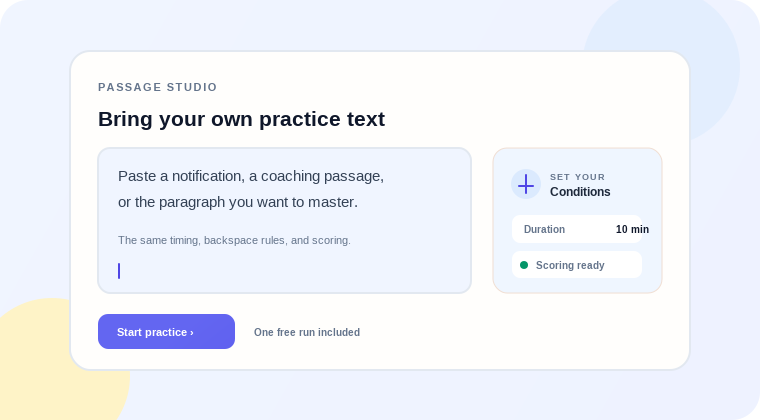
If your instructions specify Remington (GAIL), open the Remington Gail Hindi typing practice. If they specify InScript, use the Mangal InScript practice test. Our Hindi matra guide can help you isolate recurring errors, and the Custom Passage Studio lets you rehearse text you choose.
You can also open the CPCT typing practice page to explore the exam-specific simulation.
Common questions
Which Hindi layout should I choose for CPCT?
Choose the layout shown in your admit card or official instructions. The CPCT candidate instructions list InScript and Remington (GAIL); do not select based on which layout looks familiar unless it matches your opted setting.
Is the mock the same as the evaluated typing test?
No. The candidate-instructions PDF describes a familiarisation mock before the assessment. Use that mock to check the keyboard setup, then follow the live assessment timer and instructions shown for your session.
Can I practise on a phone?
A phone touchscreen does not build the same physical-keyboard habits as a computer typing test. For exam preparation, practise with a physical keyboard and the layout required by your test.